Profit Centers
When an organization is created, proManage creates a single Default profit center. In order to generate proposals and/or invoices, the organization will need to add some basic information:
The Profit Center screen is where you manage the profit centers for your organization.
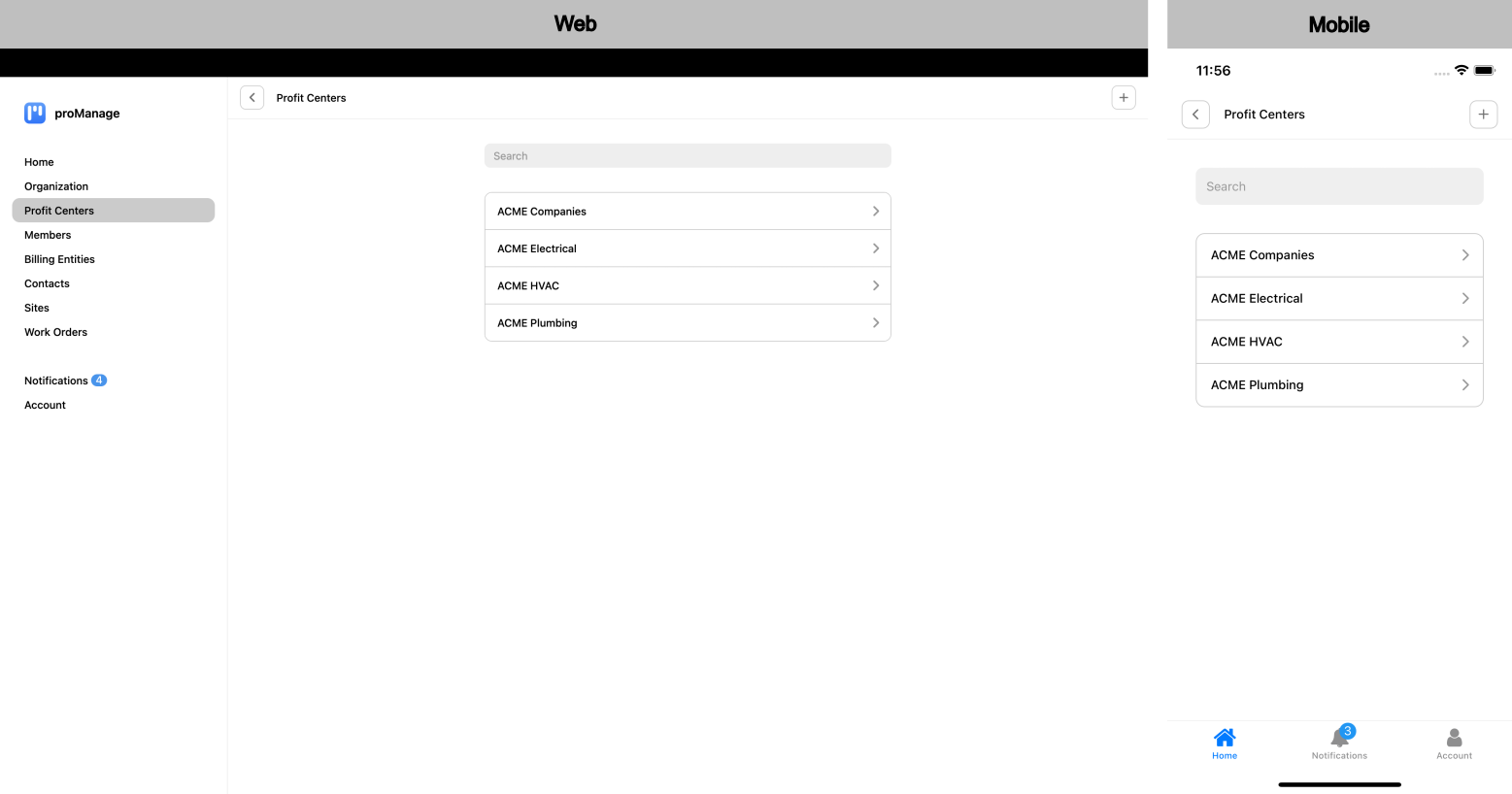
Fields available for each profit center:
- Avatar: Provides the ability to upload the profit centers logo (or avatar) to be shown on proposal / invoice.
- Name: Profit Center Name to be shown on proposal / invoice.
- Nickname: Provides a method for a shorter name (or nickname) to be shown on reports.
- Address: Two (2) lines are provided for an address.
- City: City address to be shown on proposal / invoice.
- State: State address to be shown on proposal / invoice.
- Zipcode: Zipcode address to be shown on proposal / invoice.
- Email: Email address to be shown on proposal / invoice.
- Phone: Phone number to be shown on proposal / invoice.
Additional Fields:
- Default Hourly Rate: used in pricing scope items in the Scope of Work.
- Last Proposal Number used: allows the organization to pick an initial value for each profit center.
- Last Invoice Number used: allows the organization to pick an initial value for each profit center.